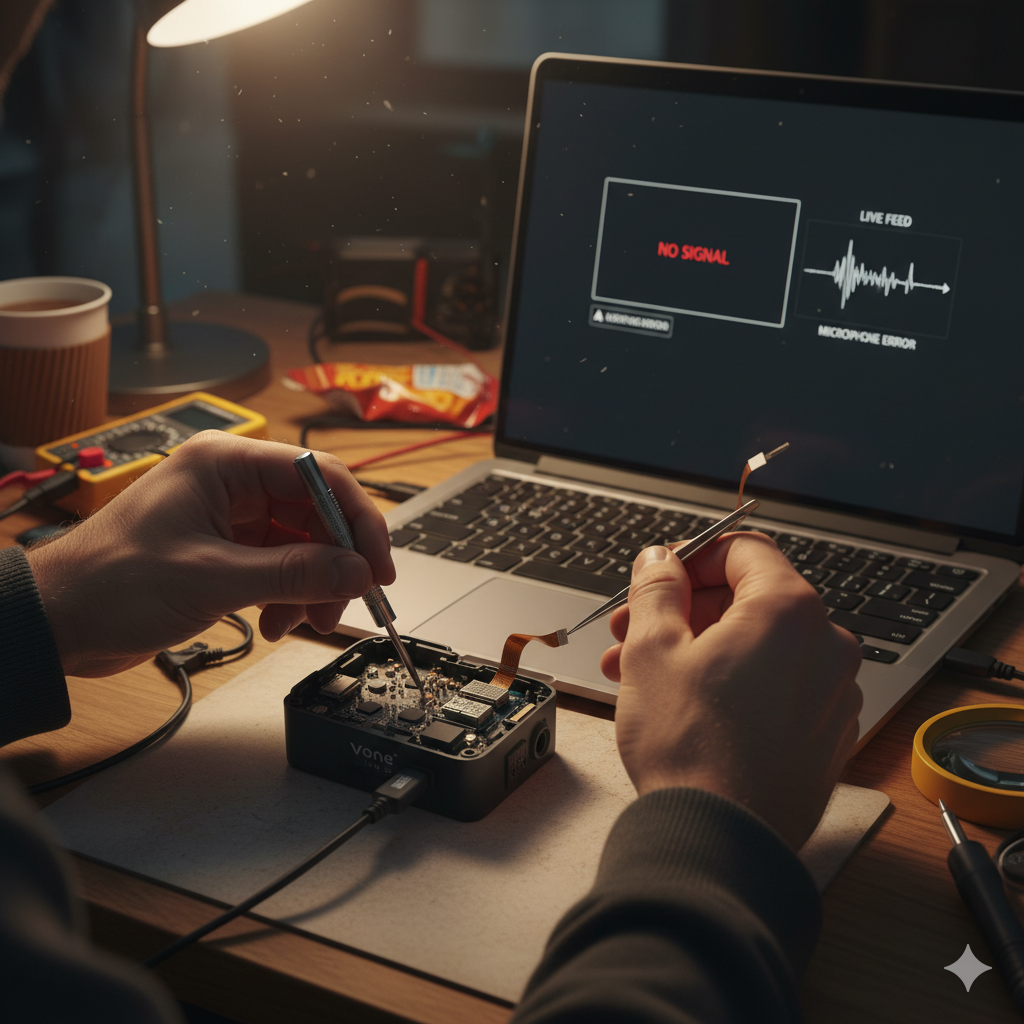
If your audience cannot see or hear you, you are losing money. On Vone Live, technical stability is the baseline for revenue. A black screen or muted microphone is often caused by permission conflicts, cache corruption, or unrecognized account restrictions.
Follow this hierarchy of diagnostics to restore your stream immediately.
Phase 1: The "Kill Switch" Check (Permissions)
90% of camera and audio failures occur because the Operating System (Android/iOS) has revoked access to the hardware. Vone Live requires explicit, continuous access to sensors.
For Android Users
For iOS (iPhone) Users
Phase 2: Cache Corruption & App Data
Over time, temporary data (cache) accumulates and conflicts with real-time broadcasting protocols.
The Procedure:
Phase 3: Network Architecture & Optimization
Vone Live and Poppo Live share a backend database, but their frontend optimization differs.
The Fix:
If your video is lagging or pixelated (resembling a camera failure), disable your WiFi and switch to 4G Mobile Data. Vone’s compression algorithms often perform better on stable cellular data than on fluctuating WiFi bandwidth.
Phase 4: The "False" Hardware Failure (Bans & Restrictions)
Sometimes, your hardware is working perfectly, but the server has cut your feed. This mimics a broken camera (black screen to viewers) or broken mic (silence).
Check for Policy Violations:
If the system detects specific violations, it may soft-ban your video feed without immediately notifying you.
| Violation Type | Consequence | Duration |
| Nudity / Revealing Clothing | Immediate Stream Cut / Permaban | Permanent |
| Underage (Minors) on Screen | Immediate Stream Cut / Permaban | Permanent |
| Smoking on Camera | Video Feed Blackout | Permanent |
| Mentioning Competitors | Audio/Video Ghosting | 7 Days (Temp) |
Cross-Platform Test
Since Vone Live and Poppo Live share a single database, your login credentials work on both apps.
Analysis:
Phase 6: Hardware Occupancy Conflicts
Live streaming apps require exclusive control of the microphone. Other apps running in the background can "steal" audio focus.
Summary of Solutions
| Symptom | Primary Cause | Solution |
| Black Screen | Permissions or Ban | Check App Permissions first; Check System Messages for Ban second. |
| No Audio | Mic Focus Stolen | Close background apps; Disable Bluetooth. |
| Lag/Pixelation | Network Mismatch | Switch from WiFi to 4G Data (Vone optimized). |
| App Crashes | Corrupt Cache | Clear Cache (Android) or Offload App (iOS). |
If these steps fail, the issue likely resides with your account status or device hardware. Hosts registered under Master Agency ID 12540819 should utilize the direct support line for account diagnostics.