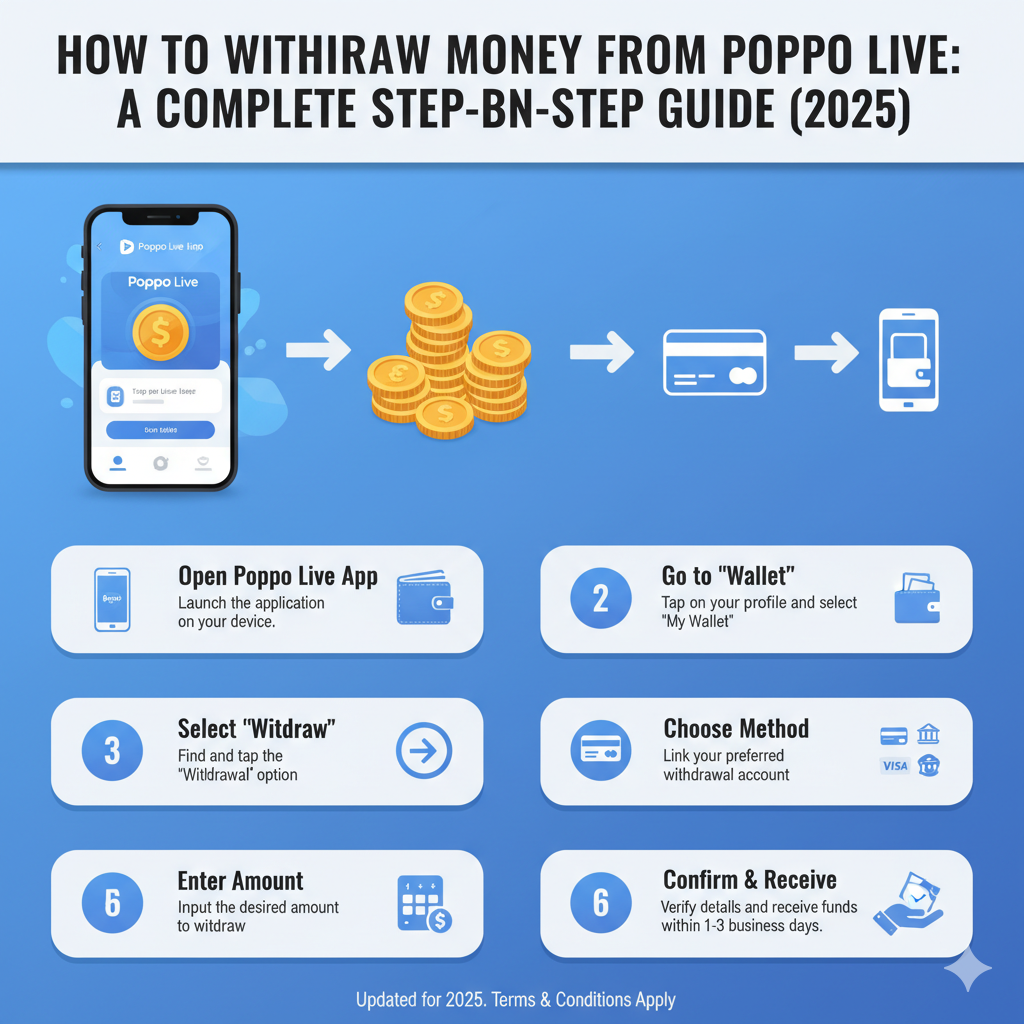
Turning your hard-earned Poppo points into real cash is the best part of streaming. However, for new users, the withdrawal process can seem a bit technical due to the strict security measures involved.
If you are ready to cash out but aren't sure where to start, you are in the right place. This guide will walk you through the prerequisites, security settings, and the final withdrawal steps to ensure your funds land safely in your account.
1. Important Prerequisites: Before You Withdraw
You cannot hit the withdraw button immediately after installing the app. To protect user funds, Poppo has specific requirements you must meet first:
2. Step 1: Complete Face Authentication
If you haven't done this yet, you will be blocked from withdrawing.
3. Step 2: Set Your Security Password
This is a crucial step to prevent unauthorized withdrawals.
4. Step 3: Bind Your Payment Method
Poppo supports multiple withdrawal channels. The most common are Epay, USDT (TRC20), and Bank Transfer.
5. Step 4: Initiating the Withdrawal
Once your security is set and your payment method is bound, you are ready to cash out.
Summary & Final Tips
By following these steps, you can enjoy your earnings hassle-free. Happy streaming!