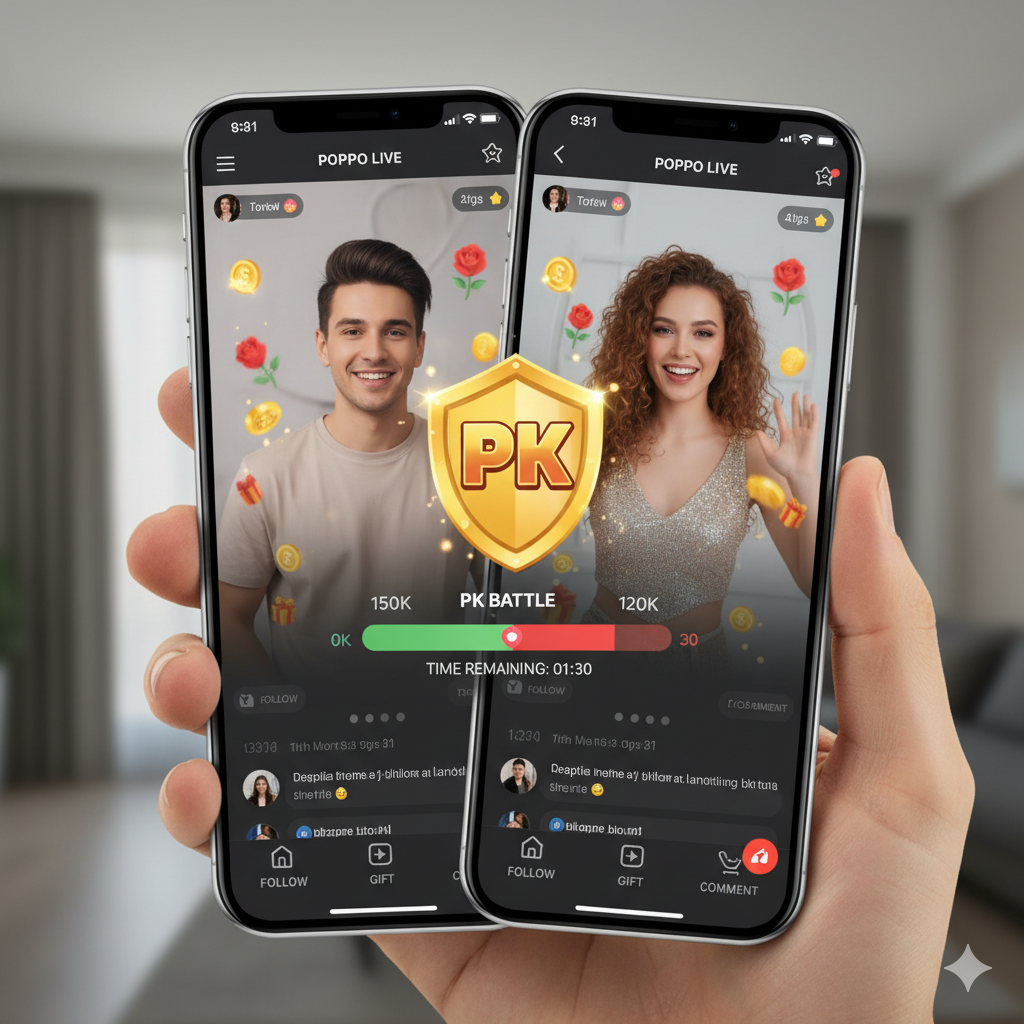
If you are looking to fast-track your success on Poppo Live, there is one feature you cannot ignore: the PK Battle. Whether you are new to the platform or looking to increase your revenue, understanding how to utilize the PK function is essential.
But what exactly is a PK, and how do you launch one? This article covers everything you need to know about mastering real-time battles on Poppo Live.
What is "PK" on Poppo Live?
The term PK stands for "Player Knockout" (or sometimes "Player Kill," a term borrowed from online gaming). On Poppo Live, it is a real-time battle feature where two streamers (hosts) compete against each other to see who can earn the most points within a specific time limit.
When a PK starts, the screen splits in two. You appear on one side, and your opponent appears on the other. A score bar (usually Blue vs. Red) appears at the top of the screen to track progress.
The Goal and The Stakes
- The Goal : To get more gifts/ points from your viewers than your opponent.
- The reward : The winner gets bragging rights, increased visibility and usually a significant boost in earnings ( since points convert to money)the loser often has to perform a lighthearted (e.g drawing on their face, doing squats, or singing a funny songs.
Why Should You Do PK Battles?
PK battles are widely considered one of the fastest ways to grow your level and income on the app. The competitive nature of a battle creates a sense of urgency. Fans are more likely to send gifts to "save" their favorite streamer from losing or to help them dominate the opponent.
Requirements to Start a PK
Before you can initiate a battle, you must meet a few basic criteria to ensure you are ready for the spotlight.
How to Do a PK on Poppo Live (Step-by-Step)
Ready to enter the arena? Follow these simple steps to start your first battle.
Step 1: Start Your Live Stream
Open the Poppo Live app. Set up your lighting, fix your hair, and hit the "Go Live" button to start your broadcast as you usually would.
Step 2: Locate the PK Button
Once you are live, look at the bottom of your screen. You will see an icon labeled "PK", often represented by two crossed swords or a "VS" symbol. Tap it to open the battle menu.
Step 3: Choose Your Battle Mode
Poppo Live offers different ways to match with opponents. You will generally see three main options:
Step 4: Set the Rules (Duration & Punishment)
Once you select an opponent (or are matched), you need to set the terms of engagement:
Step 5: Start the Battle
Once your opponent accepts the invitation, the screen will split. The timer starts, and the score bar appears. Now, it is up to you to engage your audience, call out for support, and secure the win!
Conclusion
PK battles are the heartbeat of Poppo Live. They drive engagement, increase your earnings, and make streaming incredibly fun. Now that you know the rules, it’s time to hit that "VS" button and show the community what you’ve got!